 Before
 After
AfterMenus
A seasonal swap on the board
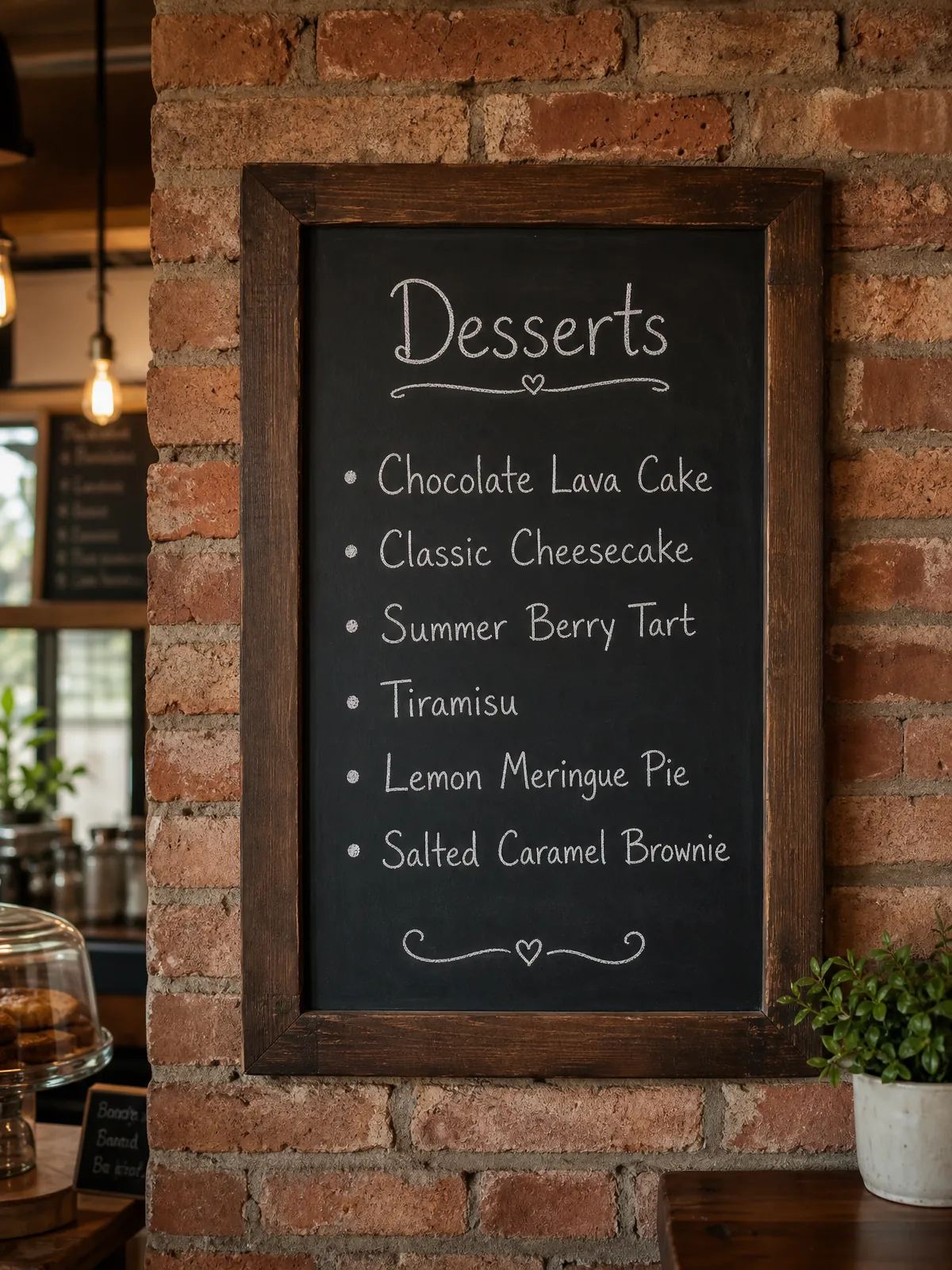
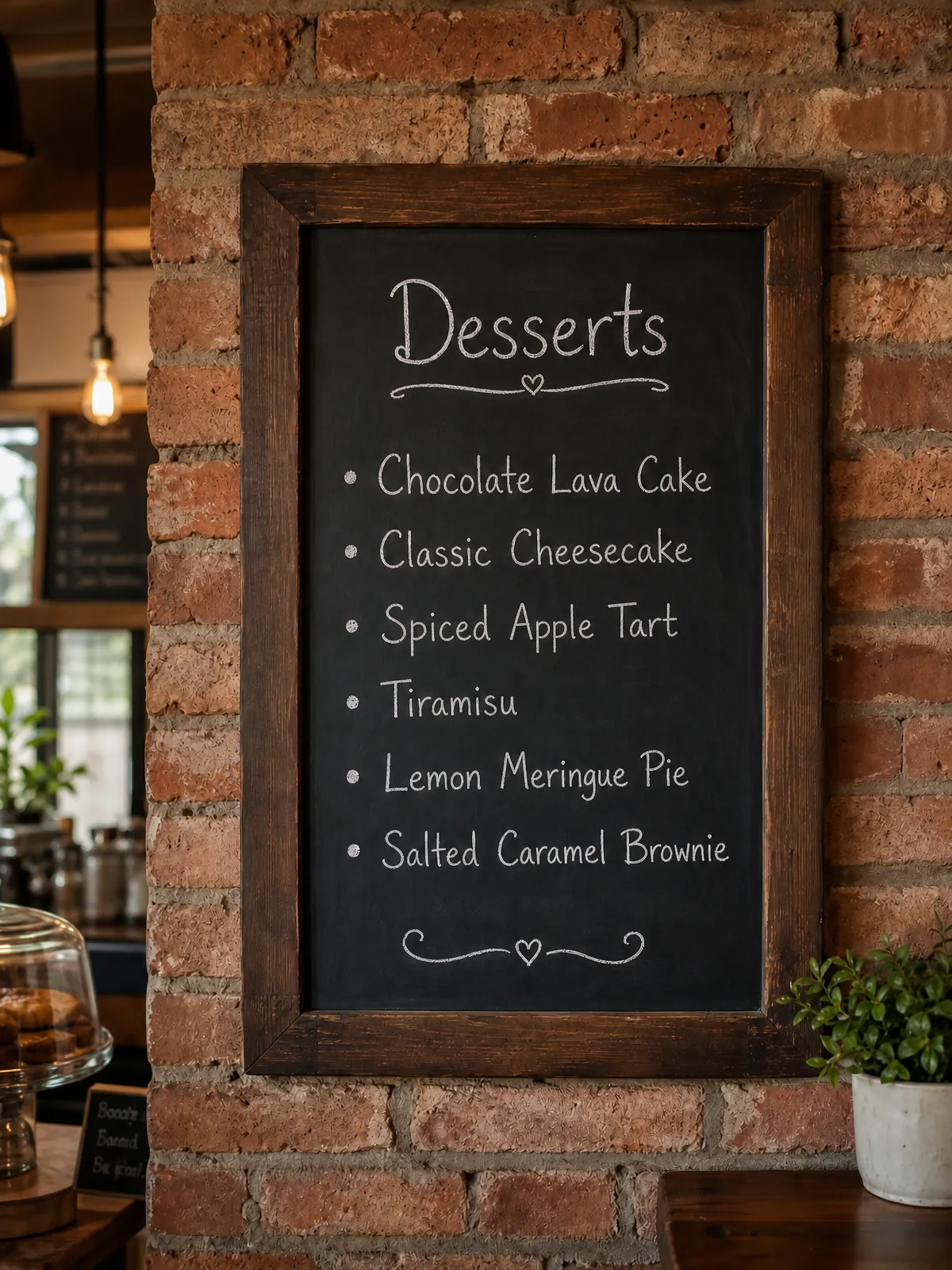
The pastry menu changes and the chalkboard is already on the wall. Retype one line by hand and the lettering, the flourishes and the spacing read exactly as before.
Summer Berry TartSpiced Apple Tart
Type the line that’s there and the line you want. KikiEdit redraws only those letters — same font, colour and angle.
Drop an image here
or click to choose a file · PNG, JPEG or WebP · up to 5 MB
Menus, labels, listing shots and stationery — corrected on the file you already have, without a reshoot or a reprint.
BeforeAfterMenus
The pastry menu changes and the chalkboard is already on the wall. Retype one line by hand and the lettering, the flourishes and the spacing read exactly as before.
 Before
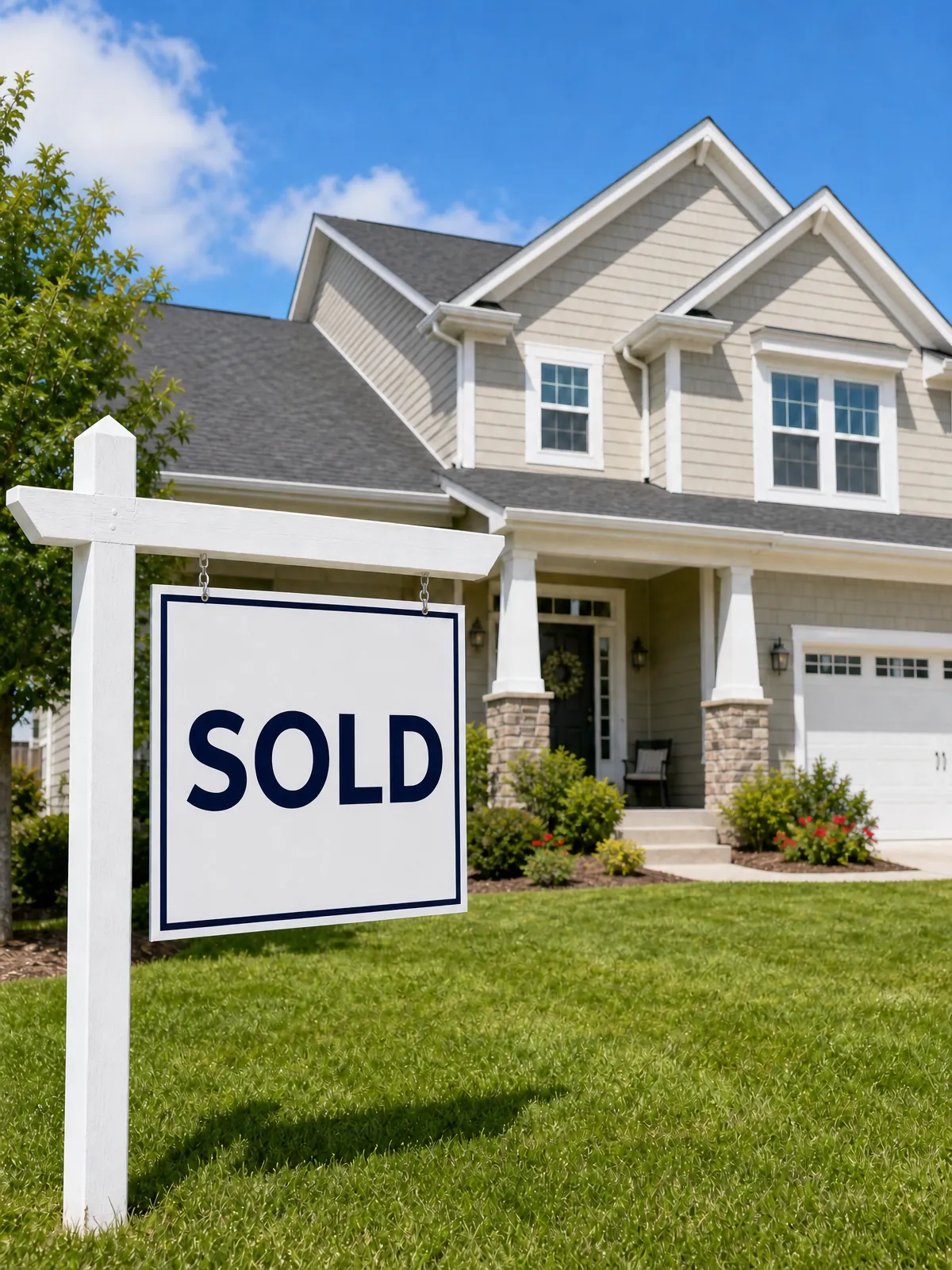 After
AfterReal-estate listings
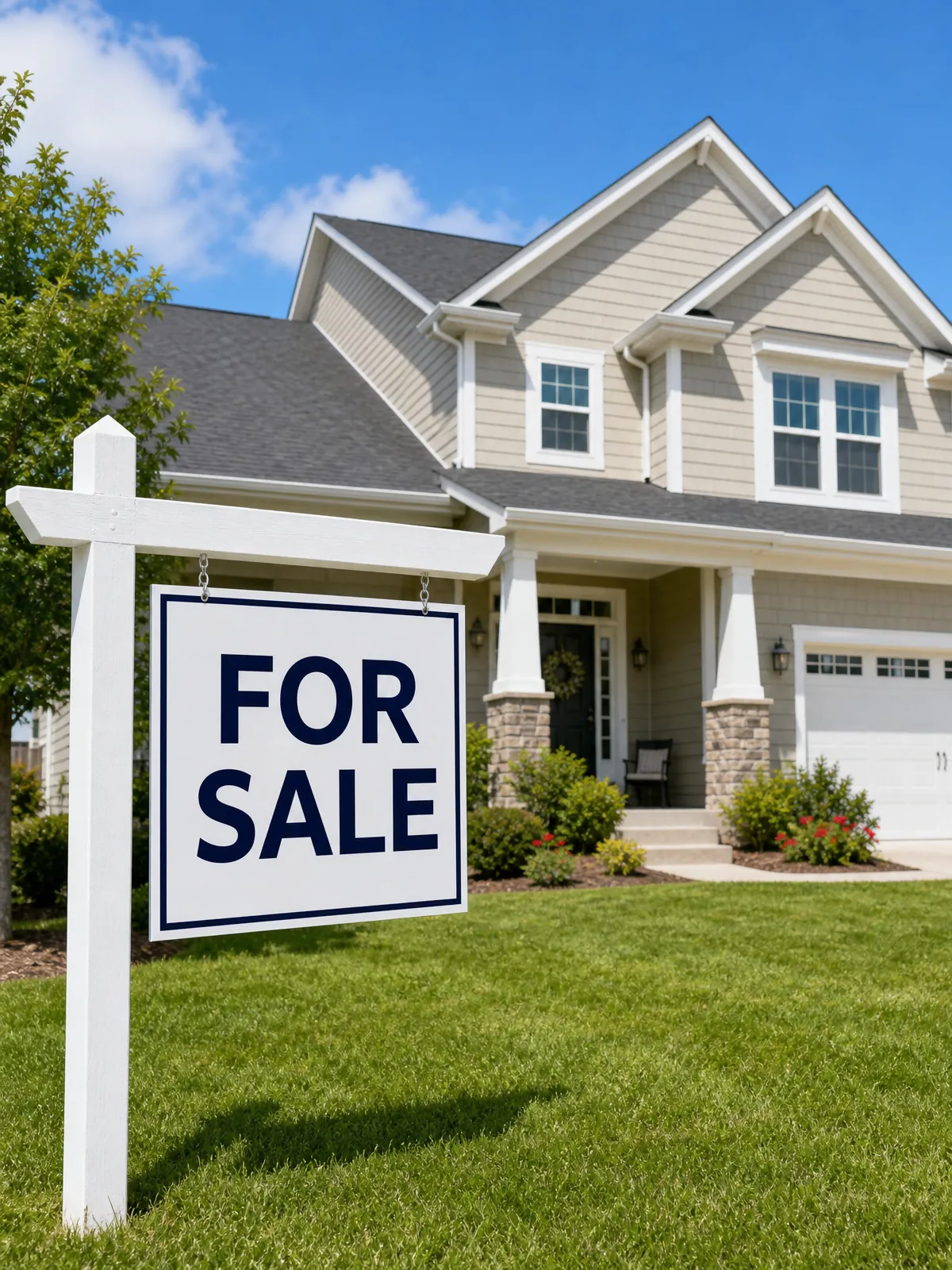
An offer came in over the weekend and the yard sign is already standing. Turn FOR SALE into SOLD on the photograph instead of waiting for a reprint.
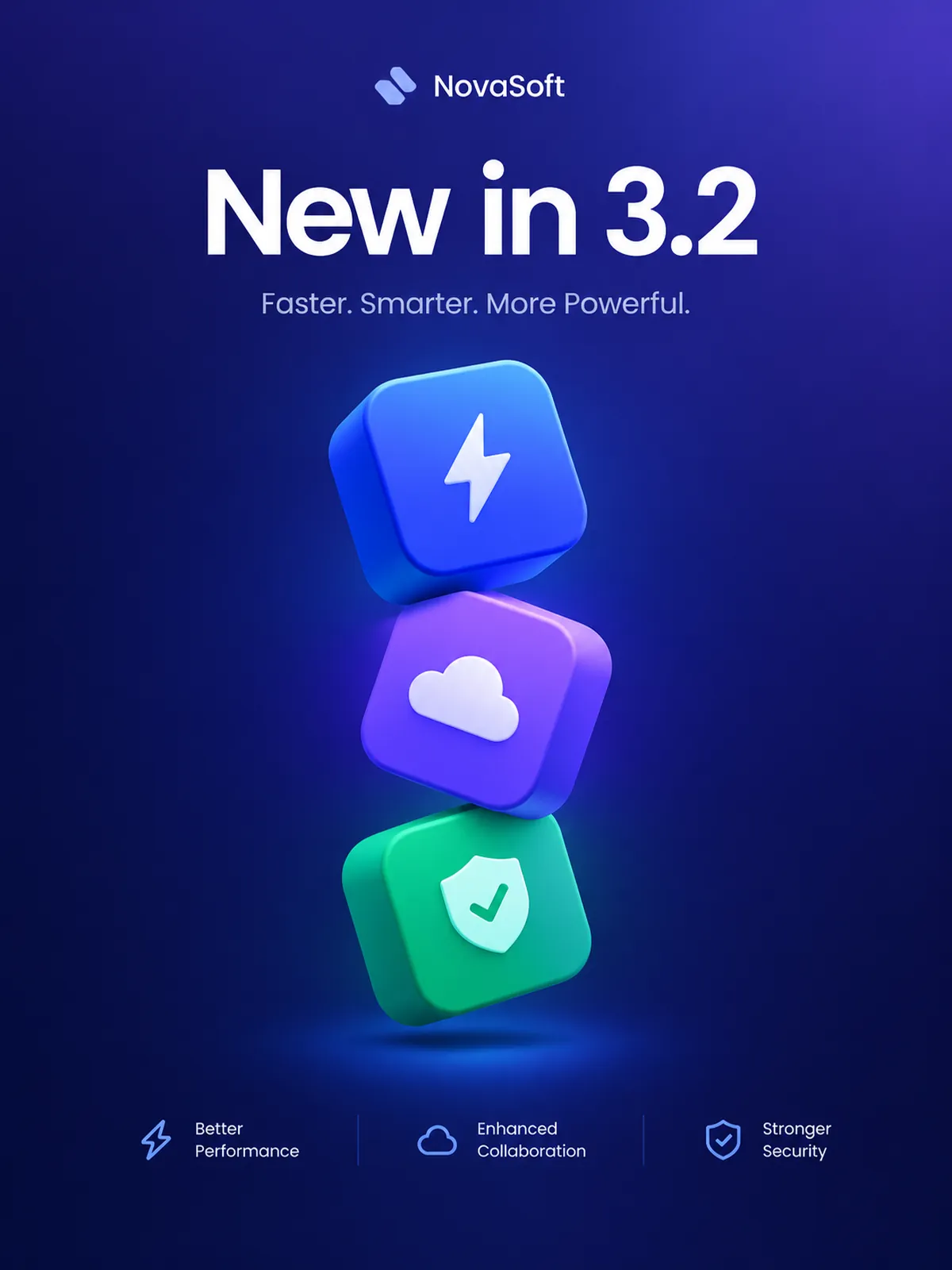 Before
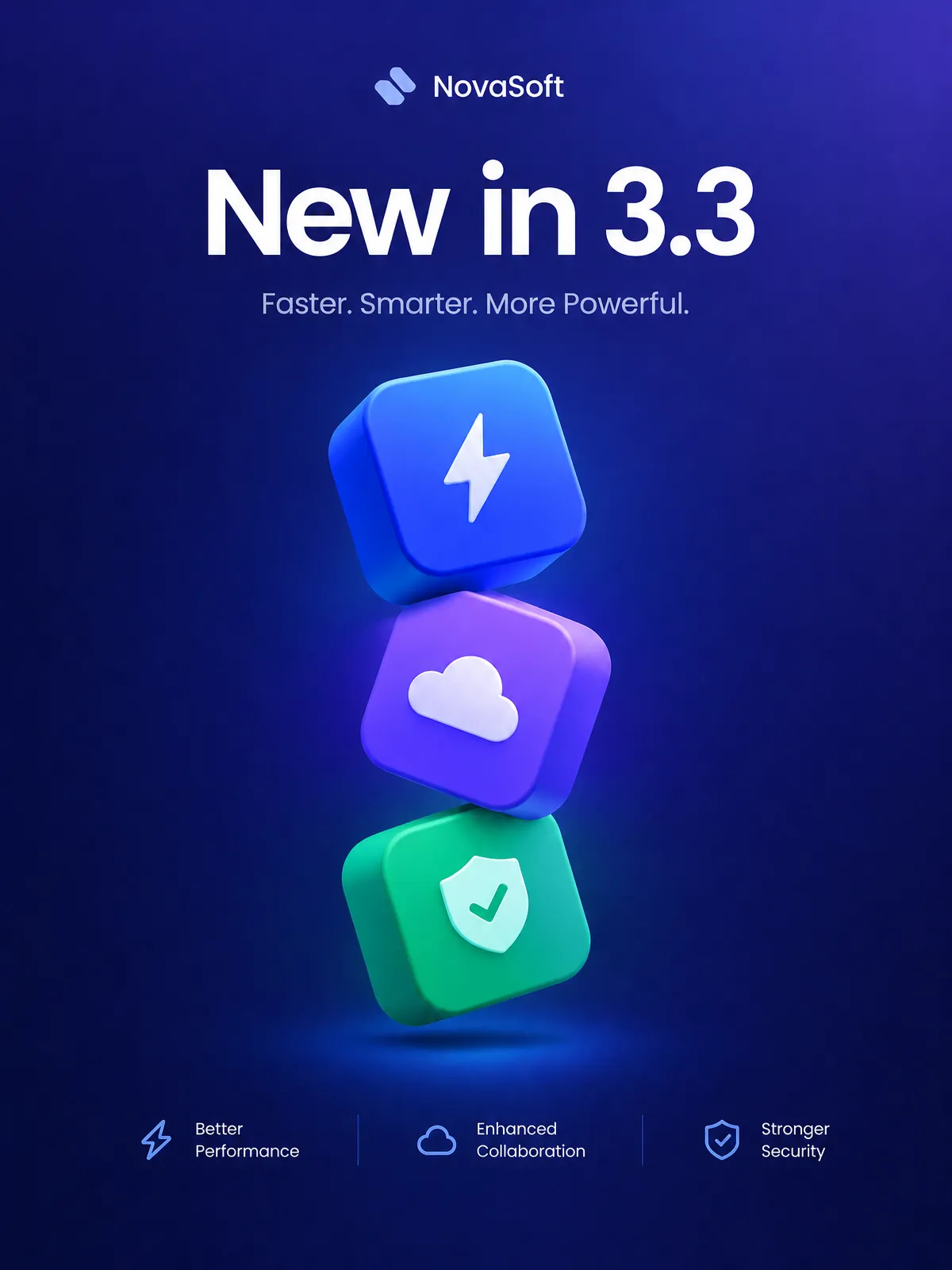 After
AfterApp-store assets
The build pushed at noon, and the announcement poster still reads 3.2. Update the number on the artwork so the campaign ships on time.
 Before
 After
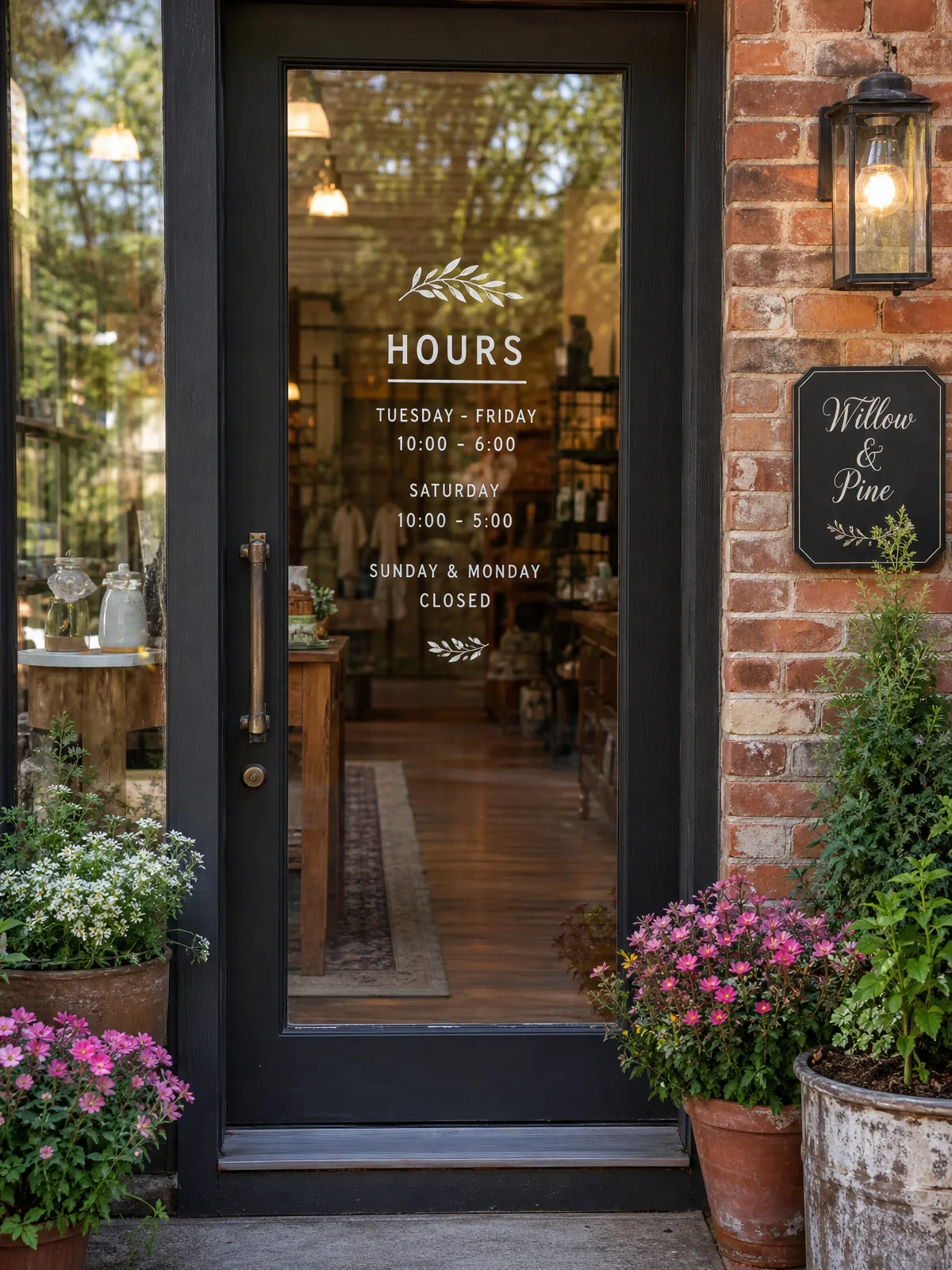
AfterStorefronts
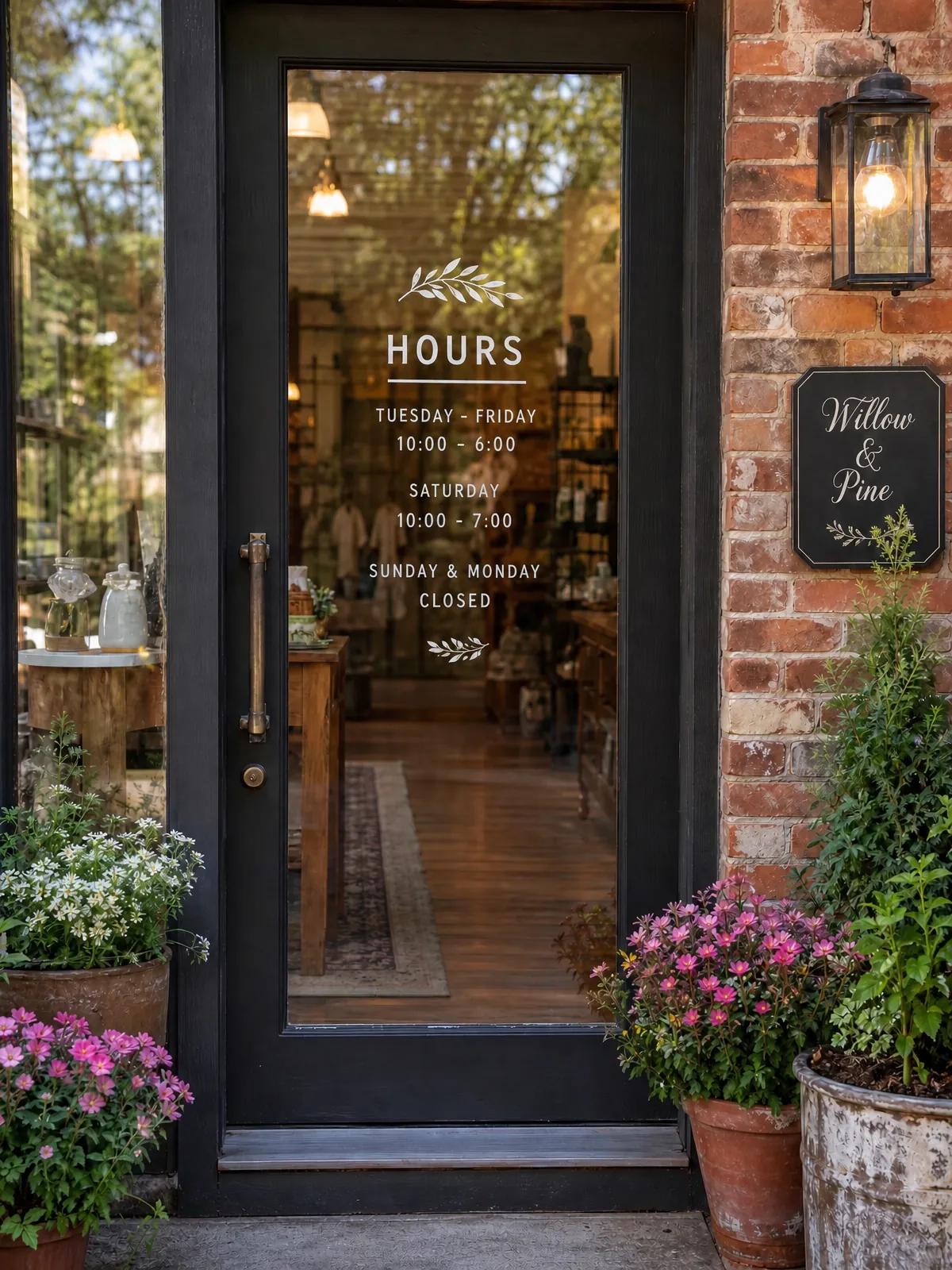
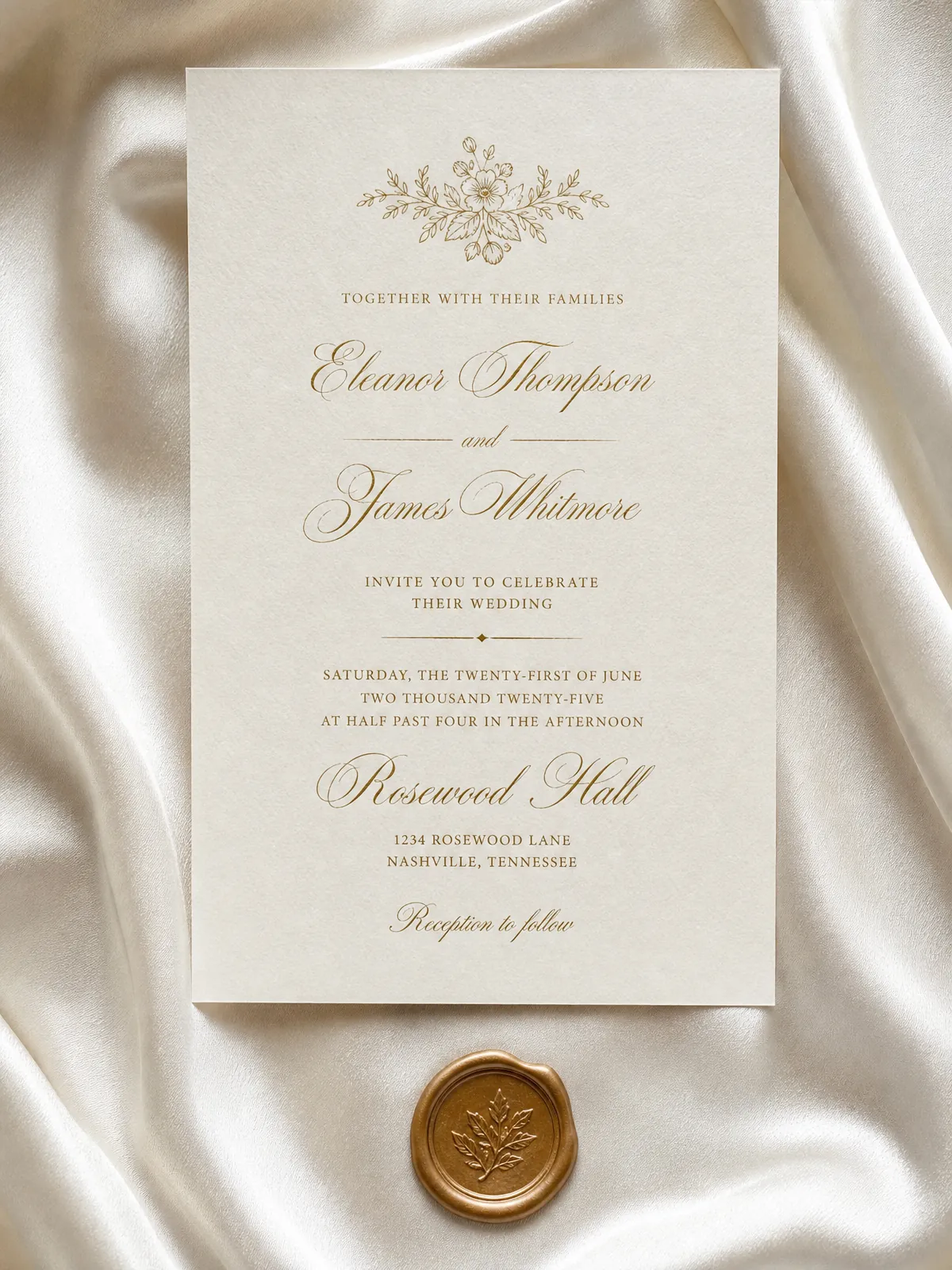
The hours change for the season, so the door decal loses one line. The type, the glass and the reflections behind it are untouched.
 Before
 After
AfterWedding stationery
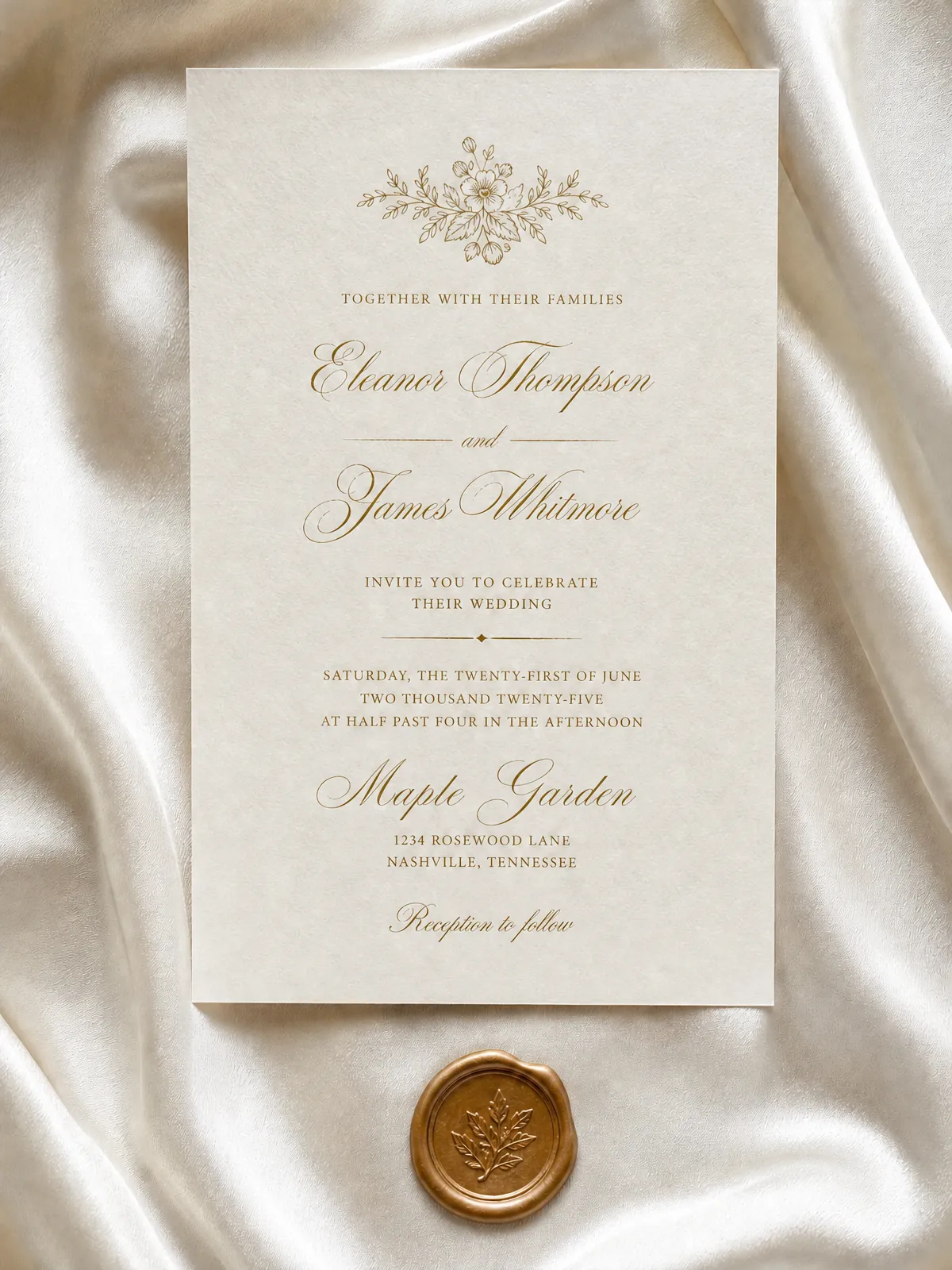
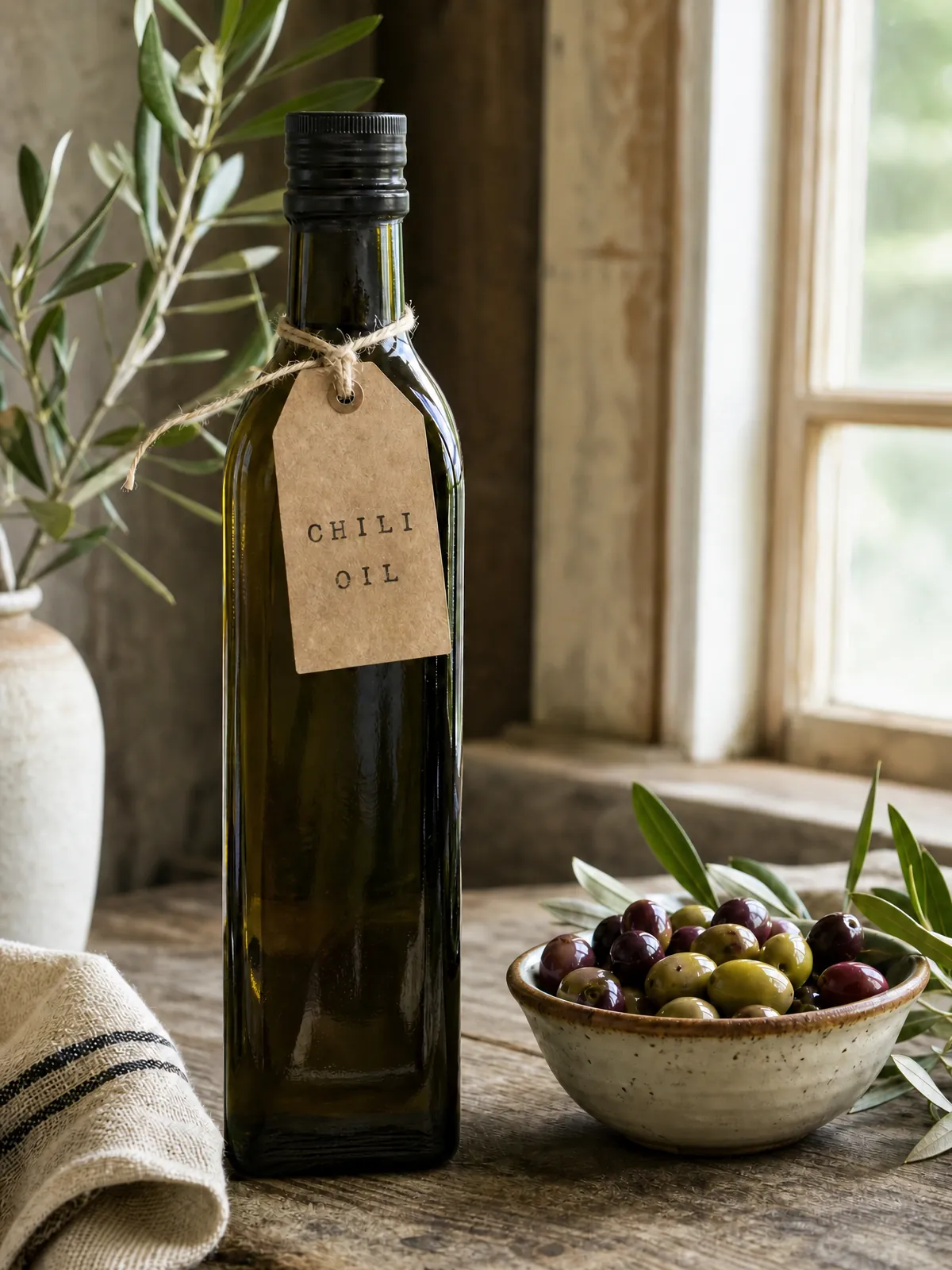
A booking falls through three months out, but the paper, the script and the wax seal are already perfect. Change just the venue line.
 Before
 After
AfterProduct labels
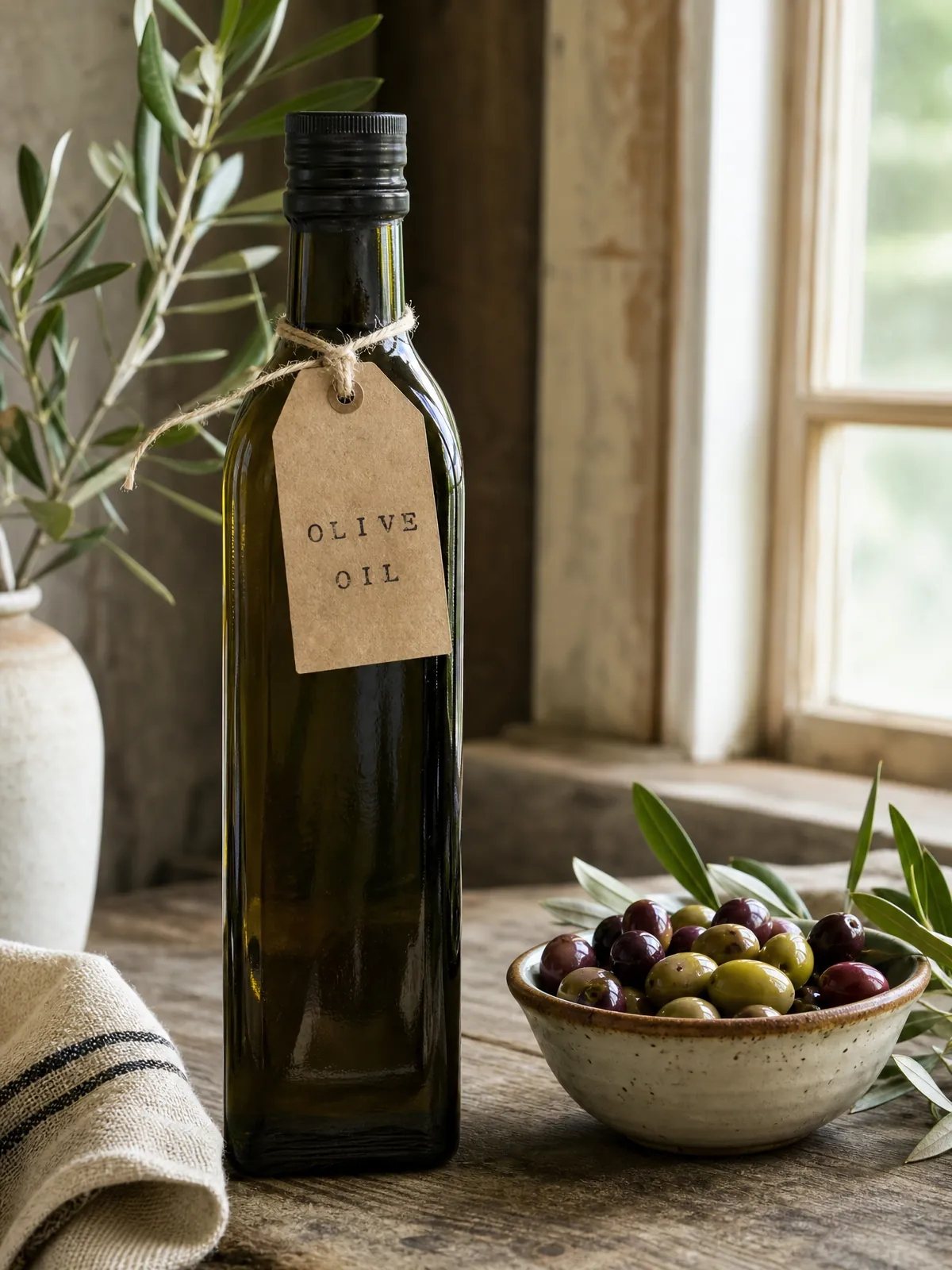
The shot suits every bottle in the range; only the tag differs. Repurpose the same photograph for the new variety without another studio day.
KikiEdit is a text-replacement editor for pictures. It reads the line you point at, repaints only those letters, and keeps the rest of the file untouched — which means a finished poster, screenshot or listing image can be corrected without the source project. Use it to repair a typo after export, move a price or a date, put a graphic into another language, or take the words out altogether.
The kinds of text people actually need to change, from screenshot UI to painted signage — with the limits of each image type spelled out.
Brand headlines, display type, custom lettering you do not have installed: the new words are drawn in the typeface already on the page.
Captures from an app or a browser, where the interface font, the icons and the status bar must come through the edit unchanged.
Words painted on a sign, printed on a label or stencilled on a banner — corrected on the photograph itself.
Point the editor at a language and every line is rewritten in place, keeping the original layout rather than swapping one phrase.
Sometimes the text should disappear, not change. Paint it out and the background behind it is rebuilt.
Cover a name, an account number or a face with blur, pixelation or a solid block, sized to the text you select.
Midjourney, DALL·E or Stable Diffusion left the lettering scrambled; correct it in place instead of rerolling the seed.
A camera-roll photo or a JPG from 2019 where the layered project is long gone.
Change a date, a name or a headline on approved artwork without reopening the design file.
Swap the price, the offer or the label on listing photos that are already live.
Decorative game type that no font file reproduces, redrawn from the art you have.
Reword a logo or a wordmark without rebuilding the mark from scratch.
The idea
Most editors treat text as part of the picture and repaint the whole frame to match. We go the other way: locate the exact words, redraw just those pixels, and rebuild the typeface so the old and the new letters sit on the same baseline.
The model finds the words you point at and redraws them. Typeface, weight, colour, perspective and the background around them stay as they were.
A JPG from a camera roll, a screenshot, an export from years ago — if the text is legible, it can be changed without the source project.
Swap a single phrase or rewrite every line into another language. The layout survives either way.
Three steps and roughly a minute. Your first five edits each day do not need an account.
PNG, JPEG or WebP, up to 5 MB. Your first five edits each day need no account.
Type the line as it appears, then the line you want. Translating? Pick a language and leave the source hint empty.
Download the finished file at full size, ready for print, a marketplace listing or a post.
KikiEdit rewrites words inside a picture that already exists, and touches nothing else. When the job is something else, another tool will serve you better.
We change words that already exist in a picture. Laying out a brand-new design is a job for Canva, Figma or a designer.
Letters only a few pixels high leave nothing to rebuild. Upload the largest version you have and zoom in on the result.
Give the whole word going in and the whole word coming out. With a fragment, the model cannot tell where the edit should stop — most obvious in connected scripts such as Arabic or Persian.
One flat image per edit, up to 5 MB. Save the relevant page as PNG or JPEG before uploading.
Very wide or very tall artwork loses detail when the whole canvas is repainted. Crop down to the area that holds the words.
Passports, certificates, bank statements, stamped documents and similar records are out of scope. The Acceptable Use Policy lists the rest.
The questions that come up most often, answered plainly.
No. The editor takes a flat PNG, JPEG or WebP. If the export is all that survived, the export is enough — no project file, no font install, no layers to reattach.
Five free edits a day, no account. Upload a file, type the change, keep the result.